
 Posted By
Bajarangi soft ,
Posted On 10-10-2020
Posted By
Bajarangi soft ,
Posted On 10-10-2020
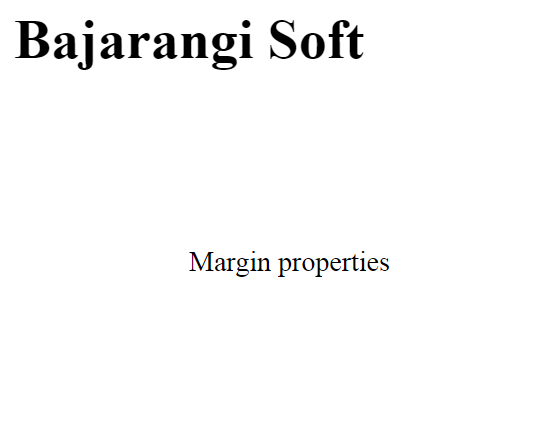
Padding properties can have following values:
1. Length in cm, px, pt, etc.
2. Width % of the element.
Syntax:
1. If the padding property has 4 values:
padding: 40px 100px 120px 80px;
top = 40px
right = 100px
bottom = 120px
left = 80px
Example-1
<html>
<head>
    <style>
        p
        {
            padding:80px 100px 50px 80px;
        }
    </style>
</head>
<body>
<h1>
   Bajarangi Soft
</h1>
<p>
    Margin properties
</p>
</body>
</html>
<html>
<head>
    <style>
        p
        {
            padding:80px 50px 100px;
        }
    </style>
</head>
<body>
<h1>
   Bajarangi Soft
</h1>
<p>
    Margin properties
</p>
</body>
</html>
<html>
<head>
    <style>
        p
        {
            padding: 100px 150px;
        }
    </style>
</head>
<body>
<h1>
   Bajarangi Soft
</h1>
<p>
    Margin properties
</p>
</body>
</html>
<html>
<head>
    <style>
        p
        {
            padding:100px;
        }
    </style>
</head>
<body>
<h1>
   Bajarangi Soft
</h1>
<p>
    Margin properties
</p>
</body>
</html>