
 Posted By
Bajarangi soft ,
Posted On 10-10-2020
Posted By
Bajarangi soft ,
Posted On 10-10-2020
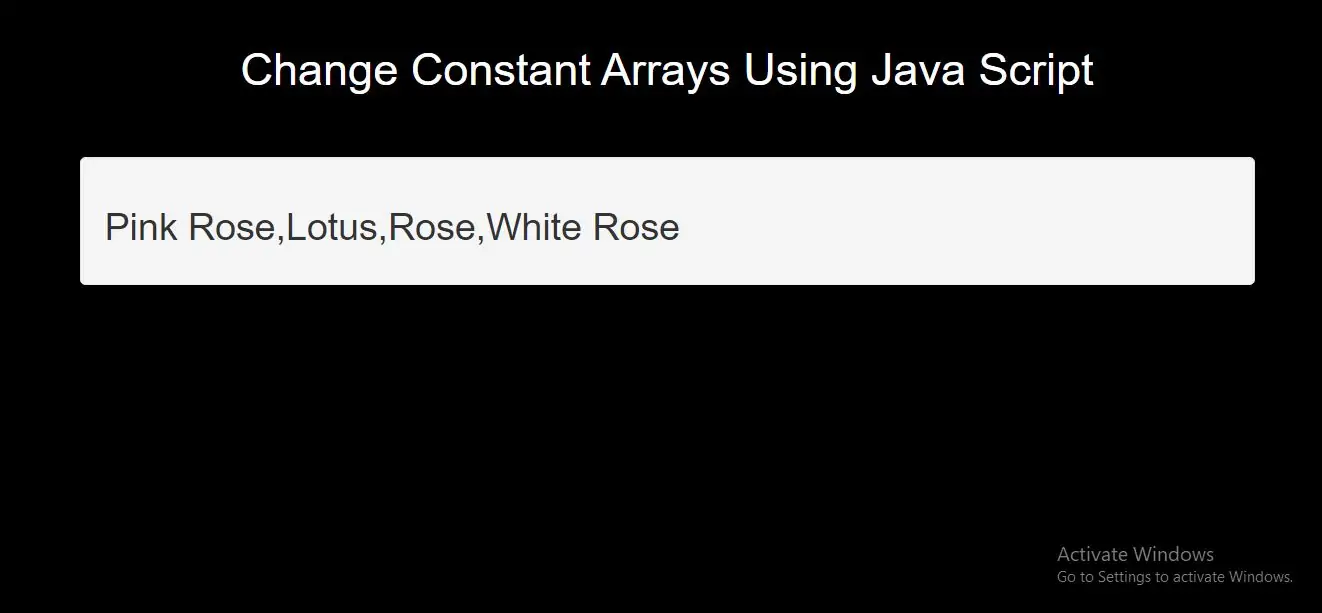
Constant Arrays can Change
You can change the elements of a constant array:
Step 1:
Create Index.html file and implement below code.
<h2 id="demo1"></h2>
Step 2:
Now Implement java script to change array element or add array element.
<script>
    // Create an Array:
    const cars = ["Saab", "Volvo", "BMW"];

    // Change an element:
    cars[0] = "Toyota";

    // Add an element:
    cars.push("Audi");

    // Display the Array:
    document.getElementById("demo1").innerHTML = cars;
</script>
Complete Code For Changing Constant Arrays Using Java Script
<!DOCTYPE html>
<html>
<head>
    <title>Change Constant Arrays Using Java Script</title>
    <meta charset="utf-8">
    <meta name="viewport" content="width=device-width, initial-scale=1">
    <link rel="stylesheet" href="https://maxcdn.bootstrapcdn.com/bootstrap/3.4.1/css/bootstrap.min.css">
</head>
<style>
    body{
        background: black;
    }
</style>
<body>
<div class="container">
    <br>
    <div class="text-center">
        <h1 id="color" style="color: White">Change Constant Arrays Using Java Script</h1>
    </div>
<br>
<br>
    <div class="well">
        <h2 id="demo1"></h2>
        <script>
            // Create an Array:
            const flowers = ["Lily", "Lotus", "Rose"];

            // Change an element:
            flowers[0] = "Pink Rose";

            // Add an element:
            flowers.push("White Rose");

            // Display the Array:
            document.getElementById("demo1").innerHTML = flowers;
        </script>
    </div>
</div>
</body>
</html>