
 Posted By
Bajarangi soft ,
Posted On 16-10-2020
Posted By
Bajarangi soft ,
Posted On 16-10-2020
Syntax:
$(selector).load(URL,data,callback);
The required URL parameter specifies the URL you wish to load.
The optional data parameter specifies a set of querystring key/value pairs to send along with the request.
The optional callback parameter is the name of a function to be executed after the load() method is completed.
The optional callback parameter specifies a callback function to run when the load() method is completed. The callback function can have different parameters:
responseTxt - contains the resulting content if the call succeedsstatusTxt - contains the status of the callxhr - contains the XMLHttpRequest objectExample(1)
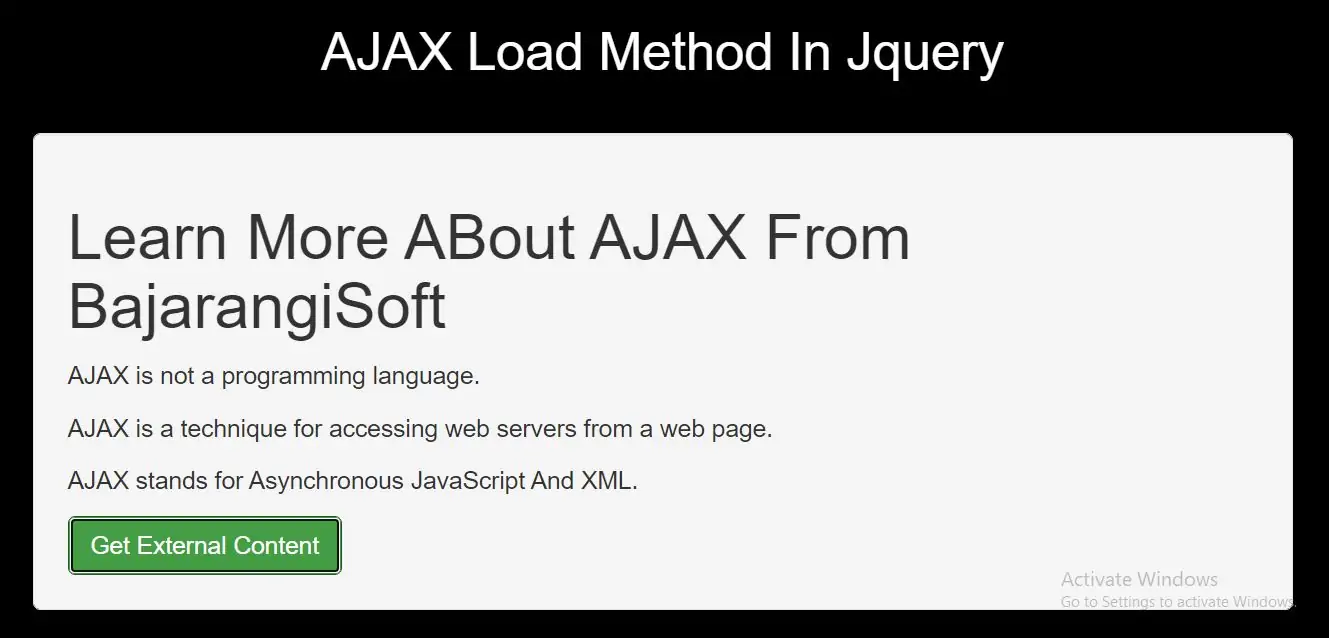
<div id="div1"><h2>Let jQuery AJAX Change This Text</h2></div>

<button class="btn btn-success">Get External Content</button>
<h1>Learn More ABout AJAX From BajarangiSoft</h1>
<p>AJAX is not a programming language.</p>
<p>AJAX is a technique for accessing web servers from a web page.</p>
<p>AJAX stands for Asynchronous JavaScript And XML.</p>
<script>
    $(document).ready(function(){
        $("button").click(function(){
            $("#div1").load("demo_ajax.txt", function(responseTxt, statusTxt, xhr){
                if(statusTxt == "success")
                    alert("External content loaded successfully!");
                if(statusTxt == "error")
                    alert("Error: " + xhr.status + ": " + xhr.statusText);
            });
        });
    });
</script>
<!DOCTYPE html>
<html>
<head>
    <title>How To Use AJAX Load Method In Jquery With Example</title>
    <meta charset="utf-8">
    <meta name="viewport" content="width=device-width, initial-scale=1">
    <link rel="stylesheet" href="https://maxcdn.bootstrapcdn.com/bootstrap/3.4.1/css/bootstrap.min.css">
    <script src="https://ajax.googleapis.com/ajax/libs/jquery/3.5.1/jquery.min.js"></script>
</head>
<style>
    body {
        background: black;
    }
</style>
<body>
<div class="container">
    <br><br><br><br>
    <div class="text-center">
        <h2 id="color" style="color: White;">AJAX Load Method In Jquery </h2>
    </div>
    <br>

    <div class="well">

        <div id="div1"><h2>Let jQuery AJAX Change This Text</h2></div>

        <button class="btn btn-success">Get External Content</button>
    </div>

</div>
</body>
</html>

<script>
    $(document).ready(function(){
        $("button").click(function(){
            $("#div1").load("demo_ajax.txt", function(responseTxt, statusTxt, xhr){
                if(statusTxt == "success")
                    alert("External content loaded successfully!");
                if(statusTxt == "error")
                    alert("Error: " + xhr.status + ": " + xhr.statusText);
            });
        });
    });
</script>