
 Posted By
Bajarangi soft ,
Posted On 18-01-2021
Posted By
Bajarangi soft ,
Posted On 18-01-2021
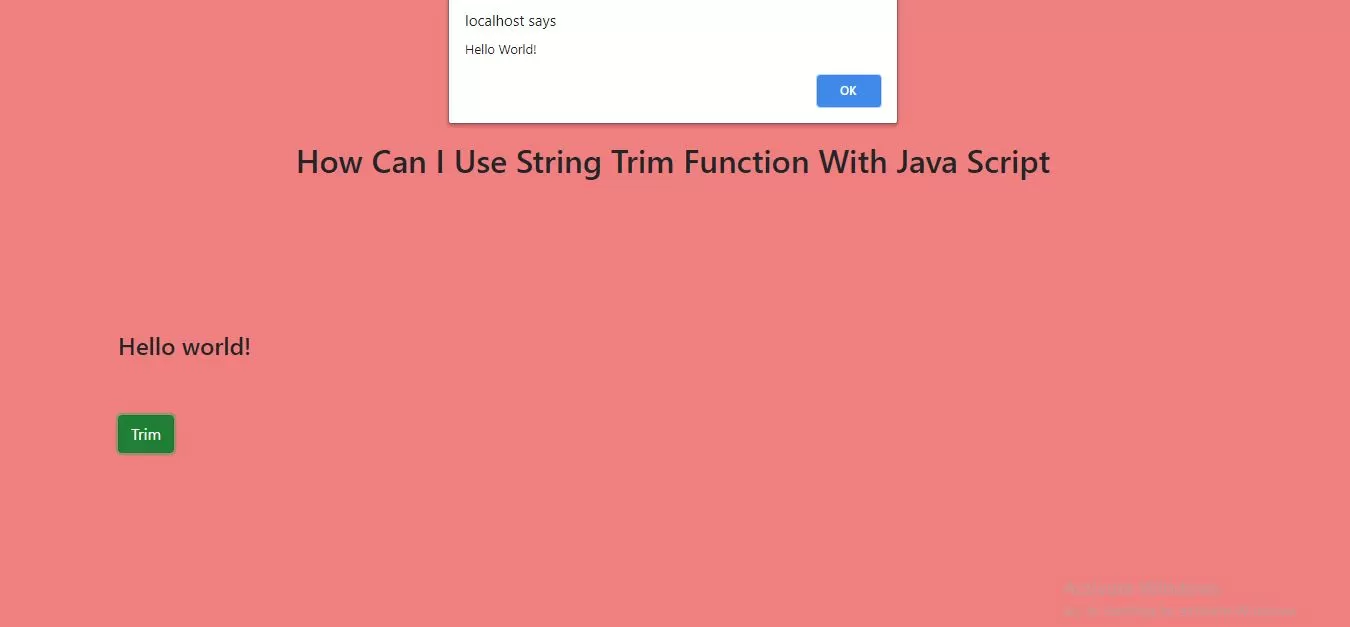
Syntax
string.trim()
Step 1:Create index.php implement below html code in it.'
<h4>Hello world!</h4>
<button class="btn btn-success" onclick="trim()">Trim</button>
Step 2:Implement javascript to remove whitespace from both sides of a string using trim function.
<script>
    function trim() {
        var str = "     Hello World!     ";
        alert(str.trim());
    }
</script>
<!doctype html>
<html lang="en">
<head>
    <title>How Can I Use String Trim Function With Java Script</title>
    <!-- Required meta tags -->
    <meta charset="utf-8">
    <meta name="viewport" content="width=device-width, initial-scale=1, shrink-to-fit=no">
    <!-- Bootstrap CSS -->
    <link rel="stylesheet" href="https://maxcdn.bootstrapcdn.com/bootstrap/4.0.0/css/bootstrap.min.css"
          integrity="sha384-Gn5384xqQ1aoWXA+058RXPxPg6fy4IWvTNh0E263XmFcJlSAwiGgFAW/dAiS6JXm" crossorigin="anonymous">

    <link rel="stylesheet" href="index.css">
    <script src="https://ajax.googleapis.com/ajax/libs/jquery/3.1.0/jquery.min.js"></script>
    <style>
        body{
            background: lightcoral;
        }
    </style>
</head>
<body>
<div class="container">
    <div class="text-center">
        <br> <br> <br> <br> <br> <br>
        <h2>How Can I Use String Trim Function With Java Script</h2>
    </div>
    <br> <br> <br> <br> <br> <br>
    <div class="well">
        <h4>Hello world!</h4>
        <button class="btn btn-success" onclick="trim()">Trim</button>
    </div>
</div>
</body>
</html>
<script>
    function trim() {
        var str = "     Hello World!     ";
        alert(str.trim());
    }
</script>