
 Posted By
Bajarangi soft ,
Posted On 06-11-2020
Posted By
Bajarangi soft ,
Posted On 06-11-2020
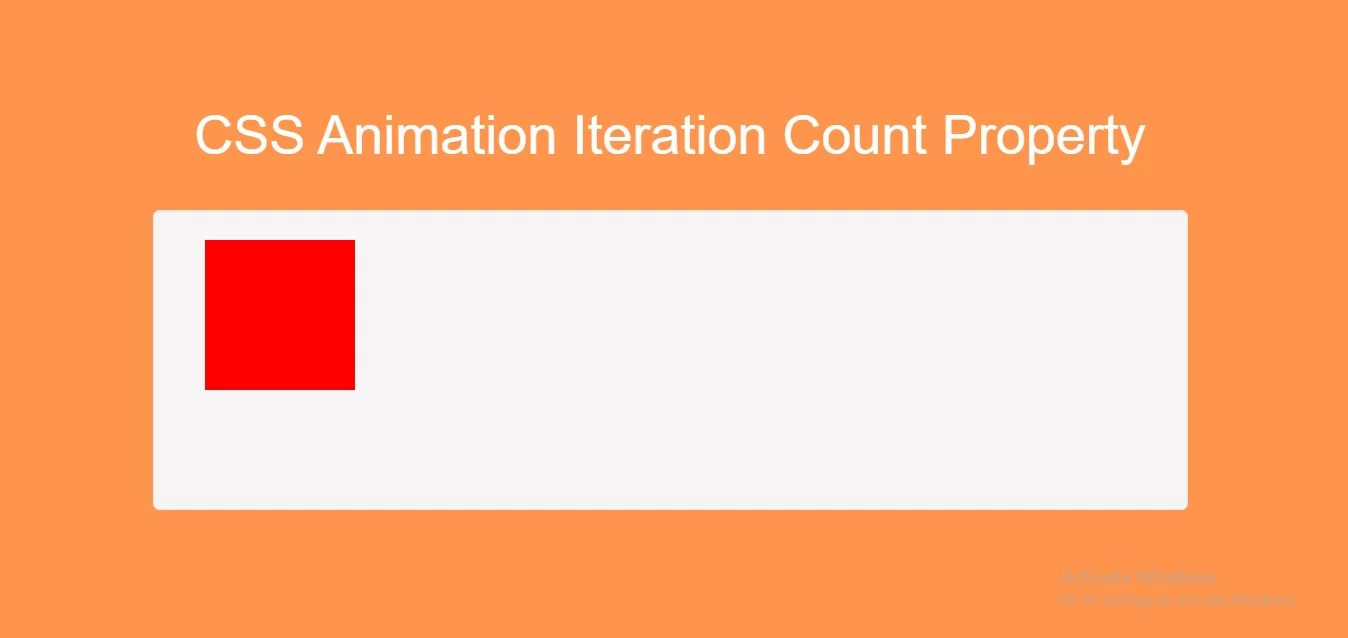
Implement CSS code to run animation three times
<style>
    body {
        background: #ff944d;
    }
    .div1 {
        width: 100px;
        height: 100px;
        background-color: red;
        position: relative;
        animation-name: example;
        animation-duration: 4s;
        animation-iteration-count: 3;
    }

    @keyframes example {
        0%   {background-color:red; left:0px; top:0px;}
        25%  {background-color:yellow; left:200px; top:0px;}
        50%  {background-color:blue; left:200px; top:200px;}
        75%  {background-color:green; left:0px; top:200px;}
        100% {background-color:red; left:0px; top:0px;}
    }
    .well{
        height: 200px;
    }
</style>
Complete Code For Using CSS Animation Iteration Count Property.
<!DOCTYPE html>
<html>
<head>
    <title>How Do I Use CSS Animation Iteration Count Property</title>
    <meta name="viewport" content="width=device-width, initial-scale=1.0">
    <link rel="stylesheet" href="https://maxcdn.bootstrapcdn.com/bootstrap/3.3.6/css/bootstrap.min.css"/>
</head>
<style>
    body {
        background: #ff944d;
    }
    .div1 {
        width: 100px;
        height: 100px;
        background-color: red;
        position: relative;
        animation-name: example;
        animation-duration: 4s;
        animation-iteration-count: 3;
    }

    @keyframes example {
        0%   {background-color:red; left:0px; top:0px;}
        25%  {background-color:yellow; left:200px; top:0px;}
        50%  {background-color:blue; left:200px; top:200px;}
        75%  {background-color:green; left:0px; top:200px;}
        100% {background-color:red; left:0px; top:0px;}
    }
    .well{
        height: 200px;
    }
</style>
<body>
<br/><br/>
<div class="container">
    <br>
    <div class="text-center">
        <h1 id="color" style="color: white;">CSS Animation Iteration Count Property</h1>
    </div>
    <br>
    <div class="col-md-12">
        <div class="well">
           <div class="col-md-6">
               <div class="div1" id="div1"></div><br>
           </div>
        </div>
    </div>
</div>
</body>
</html>