
 Posted By
Bajarangi soft ,
Posted On 27-11-2020
Posted By
Bajarangi soft ,
Posted On 27-11-2020
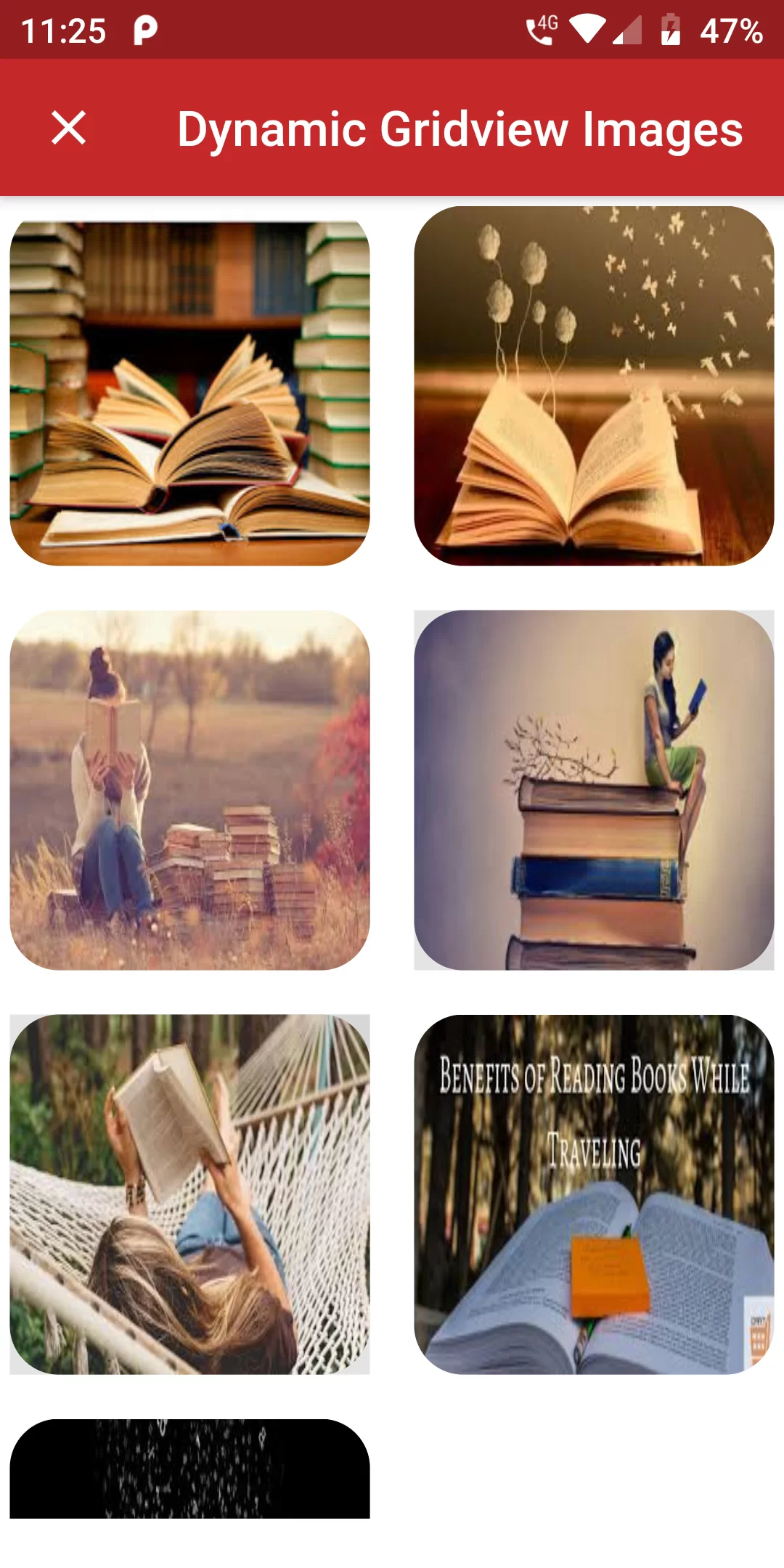
Dynamic Gridview Images
COmplete Code For Dynamic Gridview Images In Flutter
main.dart
import 'package:flutter/material.dart';
void main(){
  runApp(MyApp());
}

class MyApp extends StatelessWidget{
  @override
  Widget build(BuildContext context) {
    // TODO: implement build
    return MaterialApp(
      debugShowCheckedModeBanner: false,
      home: HomePage(),
    );
  }
}

class HomePage extends StatefulWidget {
  @override
  _HomePageState createState() => _HomePageState();
}

class _HomePageState extends State<HomePage> {
  final List<String> _listItem = [
    'assets/images/img1.jpg',
    'assets/images/img2.jpg',
    'assets/images/img3.jpg',
    'assets/images/img4.jpg',
    'assets/images/img5.jpg',
    'assets/images/img6.jpg',
    'assets/images/img7.jpg',

  ];
  @override
  Widget build(BuildContext context) {
    // TODO: implement build
    return Scaffold(
      appBar: AppBar(
        leading: InkWell(
          onTap: () {
//                Navigator.pop(context);
          },
          child: Icon(Icons.close),
        ),
        backgroundColor: Colors.red[800],
        title: Text('Dynamic Gridview Images'),
      ),
      backgroundColor: Colors.white,
      body: SafeArea(
        child: Container(
          child: Column(
            children: <Widget>[
              _related_image(),
              SizedBox(height: 20,),
            ],
          ),
        ),
      ),
    );
  }
  Widget _related_image(){
    return Expanded(
        child: GridView.count(
          crossAxisCount: 2,
          crossAxisSpacing: 10,
          mainAxisSpacing: 10,
          children: _listItem.map((item) => Card(
            color: Colors.transparent,
            elevation: 0,
            child: InkWell(
              child: Container(
                decoration: BoxDecoration(
                    borderRadius: BorderRadius.circular(20),
                    image: DecorationImage(
                        image: AssetImage(item),
                        fit: BoxFit.fill
                    )
                ),
              ),
              onTap:  () {},
            ),
          )).toList(),
        )
    );
  }
}