
 Posted By
Bajarangi soft ,
Posted On 09-10-2020
Posted By
Bajarangi soft ,
Posted On 09-10-2020
Window Location
The window.location object can be written without the window prefix.
Some examples:
window.location.href returns the href (URL) of the current page
window.location.hostname returns the domain name of the web host
window.location.pathname returns the path and filename of the current page
window.location.protocol returns the web protocol used (http: or https:)
window.location.assign() loads a new document
Window Location Href
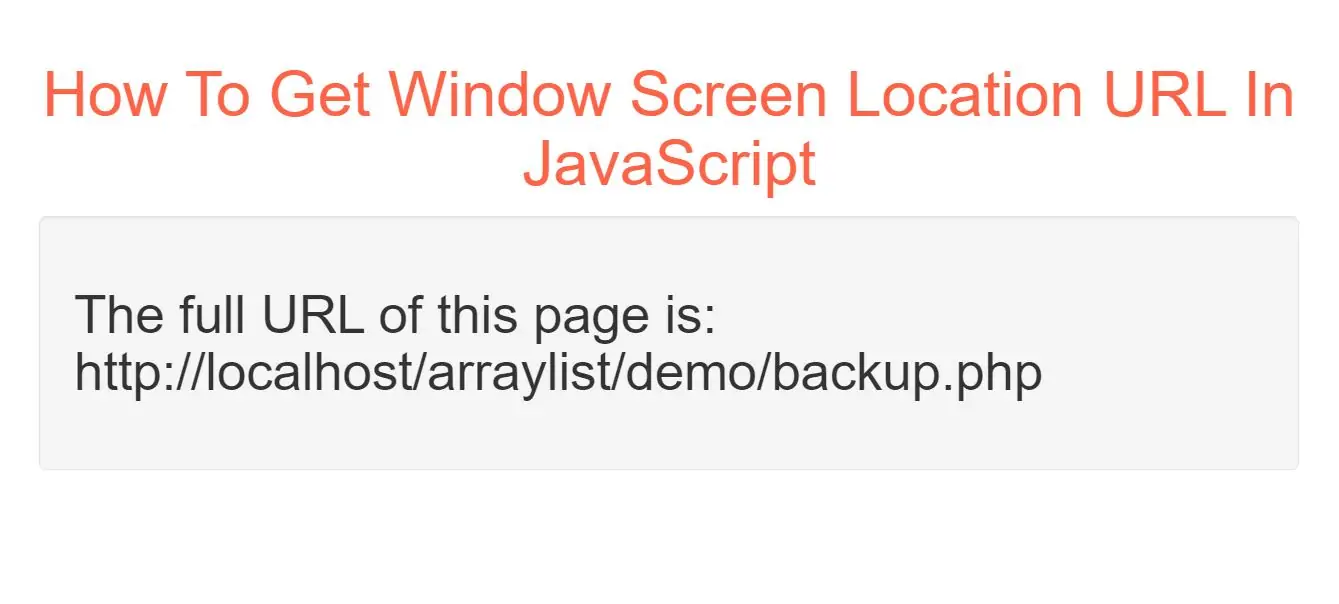
The window.location.href property returns the URL of the current page.
Example(1)
<h2 id="demo1" ></h2>
<script>
    document.getElementById("demo").innerHTML =
        "The full URL of this page is:<br>" + window.location.href;
</script>
In above example Display the href (URL) of the current page.
Window Location Hostname
The window.location.hostname property returns the name of the internet host (of the current page).
Example(2)
<h2 id="demo1" ></h2>
<script>
        document.getElementById("demo1").innerHTML =
        "Page hostname is: " + window.location.hostname;
</script>
In above example Display the name of the host.
Complete Code For Getting Window Screen Location URL In JavaScript.
<!DOCTYPE html>
<html>
<head>
    <title>How To Get Window Screen Location URL In JavaScript</title>
    <meta charset="utf-8">
    <meta name="viewport" content="width=device-width, initial-scale=1">
    <link rel="stylesheet" href="https://maxcdn.bootstrapcdn.com/bootstrap/3.4.1/css/bootstrap.min.css">
</head>
<body>
<div class="container">
    <br>
    <div class="text-center">
        <h1 id="color" style="color: tomato">How To Get Window Screen Location URL In JavaScript</h1>
    </div>

    <div class="well">
        <h2 id="demo" ></h2>
        <h2 id="demo1" ></h2>
        <script>
            document.getElementById("demo").innerHTML =
                "The full URL of this page is:<br>" + window.location.href;

            document.getElementById("demo1").innerHTML =
                "Page hostname is: " + window.location.hostname;
        </script>
    </div>
</div>
</body>
</html>