
 Posted By
Bajarangi soft ,
Posted On 27-11-2020
Posted By
Bajarangi soft ,
Posted On 27-11-2020
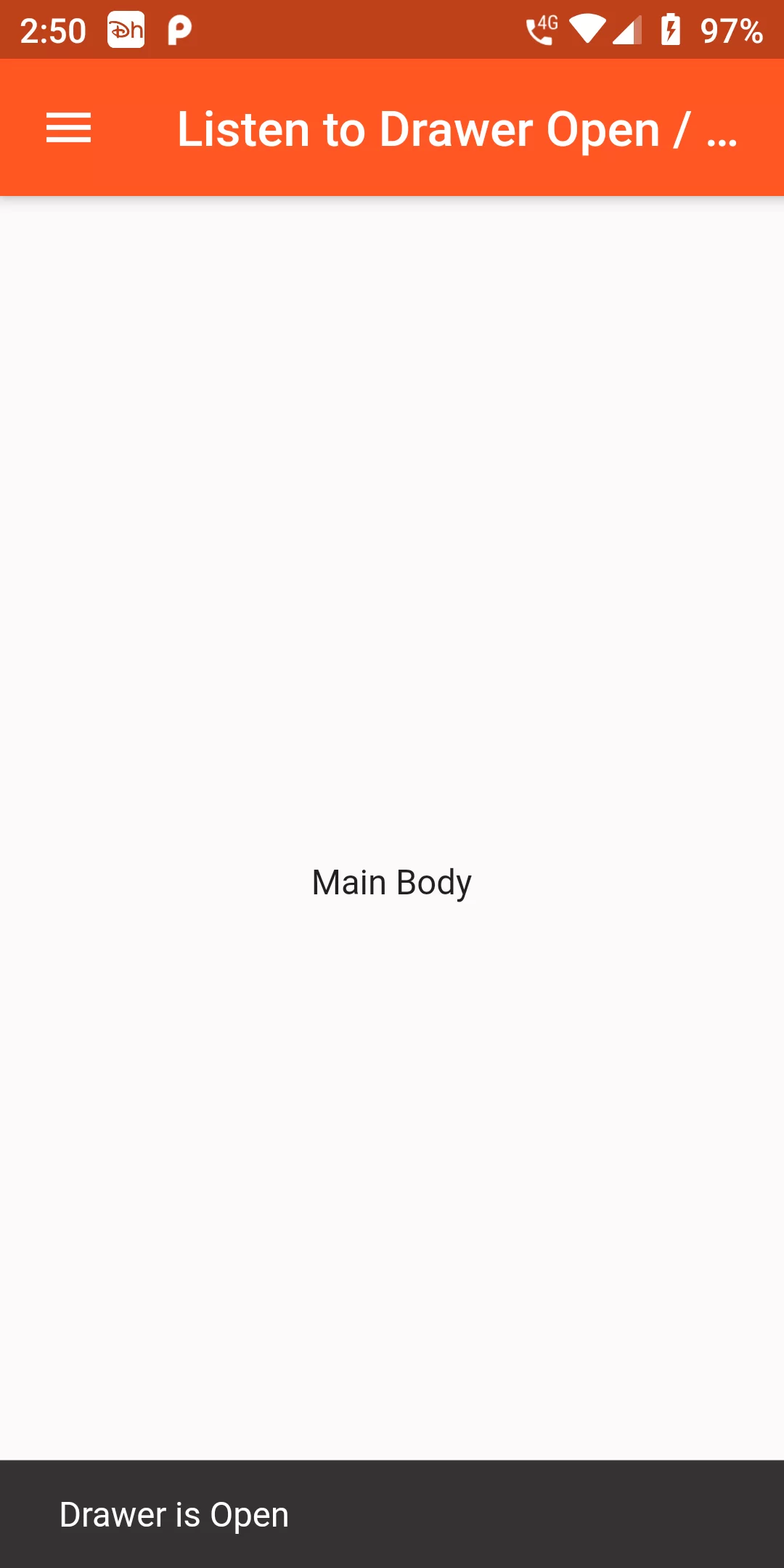
Listener To Drawer Open And Close
Complete Code For Listener To Drawer Open And Close In Flutter
main.dart
import 'package:flutter/material.dart';
void main() => runApp(new MyApp());

class MyApp extends StatelessWidget {
  @override
  Widget build(BuildContext context) {
    return MaterialApp(
      debugShowCheckedModeBanner: false,
      theme: ThemeData.light().copyWith(primaryColor: Colors.deepOrange),
      home: MyHomePage(),
    );
  }
}

class MyHomePage extends StatefulWidget {
  final String title;
  MyHomePage({this.title});
  @override
  _MyHomePageState createState() => _MyHomePageState();
}
enum AppState {
  free,
  picked,
  cropped,
}
class _MyHomePageState extends State<MyHomePage> {
  GlobalKey<ScaffoldState> _scaffoldKey = GlobalKey<ScaffoldState>();
  static final List<String> _listViewData = [
    "BajarangiSoft.com",
    "Flutter",
    "Android",
    "ios",
    "Html",
    "Php",
    "Laravel",
  ];

  @override
  Widget build(BuildContext context) {
    return Scaffold(
      key: _scaffoldKey,
      appBar: AppBar(
        title: Text("Listen to Drawer Open / Close"),
        leading: IconButton(
          icon: Icon(Icons.menu),
          onPressed: () {
            _scaffoldKey.currentState.openDrawer();
            if (_scaffoldKey.currentState.isDrawerOpen) {
              _scaffoldKey.currentState.showSnackBar(SnackBar(
                content: Text("Drawer is Open"),
              ));
            } else {
              _scaffoldKey.currentState.showSnackBar(SnackBar(
                content: Text("Drawer is Closed"),
              ));
            }
          },
        ),
      ),
      drawer: Container(
        width: 250,
        child: Drawer(
          child: ListView(
            padding: EdgeInsets.all(10.0),
            children: _listViewData
                .map((data) => ListTile(
              title: Text(data),
            ))
                .toList(),
          ),
        ),
      ),
      body: Center(
        child: Text('Main Body'),
      ),
    );
  }
}