
 Posted By
Bajarangi soft ,
Posted On 10-10-2020
Posted By
Bajarangi soft ,
Posted On 10-10-2020
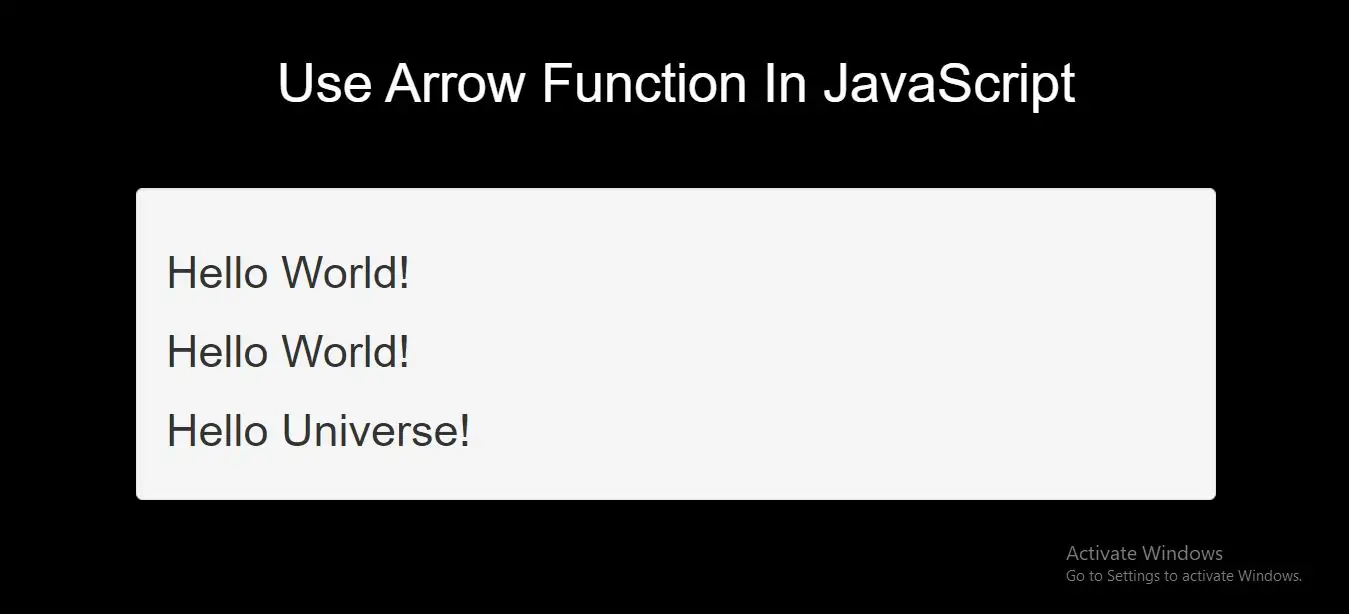
Syntax
Without Arrow function
hello = function() {
return "Hello World!";
}
hello = () => {
    return "Hello World!";
}
It gets shorter! If the function has only one statement, and the statement returns a value, you can remove the brackets and the return keyword:
Arrow Functions Return Value by Default:
hello = () => "Hello World!";
Note: This works only if the function has only one statement.
If you have parameters, you pass them inside the parentheses:
Arrow Function With Parameters:
hello = (val) => "Hello " + val;
In fact, if you have only one parameter, you can skip the parentheses as well:
Arrow Function Without Parentheses:
hello = val => "Hello " + val;
Complete Code For Arrow Function In JavaScript
<!DOCTYPE html>
<html>
<head>
    <title>How To Use Arrow Function In JavaScript With Example</title>
    <meta charset="utf-8">
    <meta name="viewport" content="width=device-width, initial-scale=1">
    <link rel="stylesheet" href="https://maxcdn.bootstrapcdn.com/bootstrap/3.4.1/css/bootstrap.min.css">
</head>
<style>
    body{
        background: black;
    }
</style>
<body>
<div class="container">
    <br>
    <div class="text-center">
        <h1 id="color" style="color: White">Use Arrow Function In JavaScript</h1>
    </div>
<br>
<br>

    <div class="well">
        <h2 id="demo1"></h2>
        <h2 id="demo2"></h2>
        <h2 id="demo3"></h2>
        <h2 id="demo4"></h2>

        <script>
            //without arrow
            var hello;

            hello = function() {
                return "Hello World!";
            }

            document.getElementById("demo1").innerHTML = hello();
            //with arrow
            var h;

            h = () => {
                return "Hello World!";
            }

            document.getElementById("demo2").innerHTML = h();
            hello = (val) => "Hello " + val;

            document.getElementById("demo3").innerHTML = hello("Universe!");

            hello = val => "Hello " + val;

            document.getElementById("demo4").innerHTML = hello("Universe!");
        </script>

    </div>
</div>
</body>
</html>