
 Posted By
Bajarangi soft ,
Posted On 06-11-2020
Posted By
Bajarangi soft ,
Posted On 06-11-2020
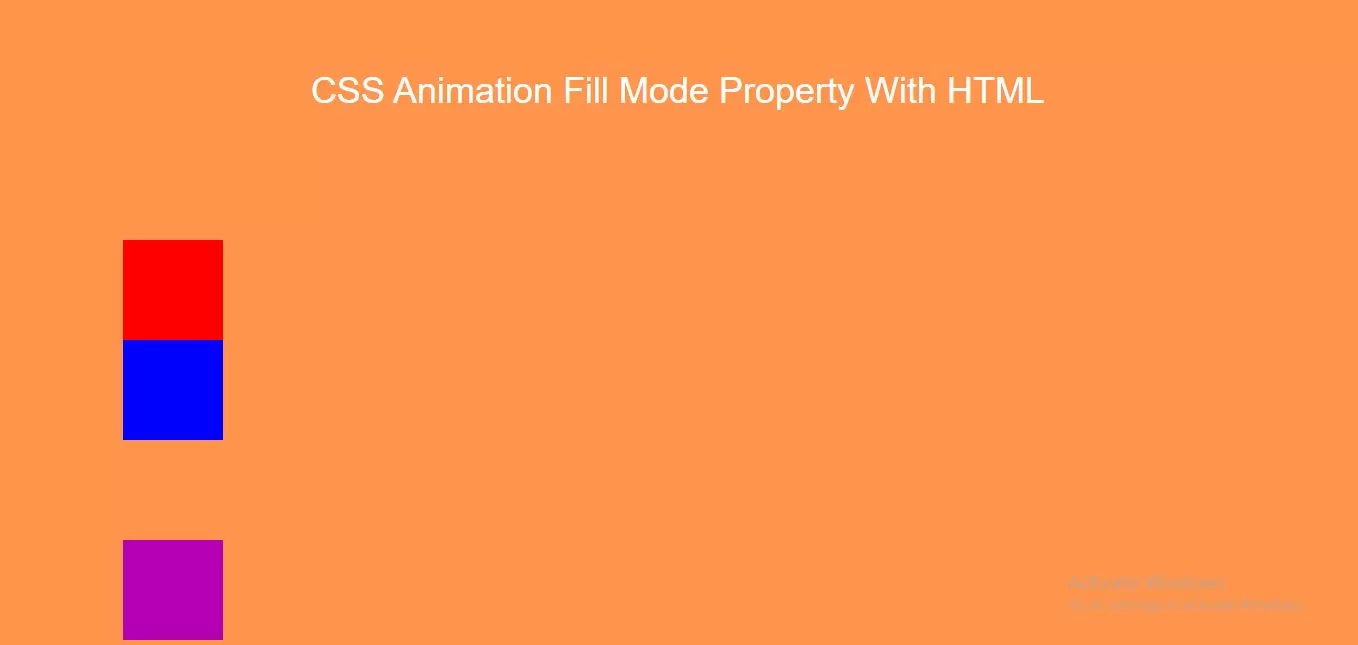
Animation-fill-mode property :
none - Default value. Animation will not apply any styles to the element before or after it is executingforwards - The element will retain the style values that is set by the last keyframe (depends on animation-direction and animation-iteration-count)backwards - The element will get the style values that is set by the first keyframe (depends on animation-direction), and retain this during the animation-delay periodboth - The animation will follow the rules for both forwards and backwards, extending the animation properties in both directions
<!DOCTYPE html>
<html>
<head>
    <title>How To Use CSS Animation Fill Mode Property With HTML</title>
    <meta name="viewport" content="width=device-width, initial-scale=1.0">
    <link rel="stylesheet" href="https://maxcdn.bootstrapcdn.com/bootstrap/3.3.6/css/bootstrap.min.css"/>
</head>
<style>
    body {
        background: #ff944d;
    }
    .div1 {
        width: 100px;
        height: 100px;
        background: red;
        position: relative;
        animation-name: example;
        animation-duration: 3s;
        animation-delay: 2s;
        animation-fill-mode: both;
    }

    @keyframes example {
        from {top: 0px; background-color: #b300b3;}
        to {top: 200px; background-color: blue;}
    }
    .div2 {
        width: 100px;
        height: 100px;
        background: red;
        position: relative;
        animation-name: example2;
        animation-duration: 3s;
        animation-delay: 2s;
        animation-fill-mode: backwards;
    }

    @keyframes example2 {
        from {top: 0px; background-color: yellow;}
        to {top: 200px;}
    }
    .div3 {
        width: 100px;
        height: 100px;
        background: red;
        position: relative;
        animation-name: example3;
        animation-duration: 3s;
        animation-fill-mode: forwards;
    }

    @keyframes example3 {
        from {top: 0px;}
        to {top: 200px; background-color: #b300b3;}
    }
</style>
<body>
<br/><br/>
<div class="container">
    <br>
    <div class="text-center">
        <h1 id="color" style="color: white;">CSS Animation Fill Mode Property With HTML</h1>
    </div>
    <br>
    <div class="col-md-12">

            <div class="div1"></div>
            <div class="div2"></div>
            <div class="div3"></div>
        </div>
</div>
</body>
</html>