
 Posted By
Bajarangi soft ,
Posted On 08-10-2020
Posted By
Bajarangi soft ,
Posted On 08-10-2020
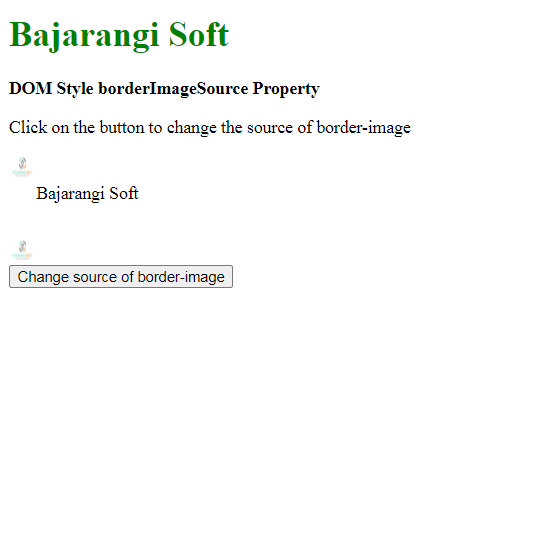
The DOM Style borderImageSource Property is used to set or return the image to be used instead of the styles given by the border-style property.
Syntax:
To get the borderImageSource property
object.style.borderImageSource
object.style.borderImageSource = "none | image | initial |
inherit"
<!DOCTYPE html>
<html lang="en">

<head>
    <title>DOM Style borderImageSource Property</title>
    <style>
        .item {
            height: 50px;
            border: 25px solid transparent;

            /* Setting the border before demonstrate
            the effect of 'none' */
            border-image:
                    url('logo.jpg');
        }
    </style>
</head>

<body>
<h1 style="color: green">Bajarangi Soft</h1>
<b>DOM Style borderImageSource Property</b>

<p>Click on the button to change
    the source of border-image</p>

<div class="item">Bajarangi Soft</div>

<button onclick="changeSource()">
    Change source of border-image
</button>

<script>
    function changeSource() {
        elem = document.querySelector('.item');

        // Setting the border image source to none
        elem.style.borderImageSource = "none";
    }
</script>
</body>

</html>
<!DOCTYPE html>
<html lang="en">

<head>
    <title>DOM Style borderImageSource Property</title>
    <style>
        .item {
            height: 50px;
            border: 25px solid transparent;
        }
    </style>
</head>

<body>
<h1 style="color: green">Bajarangi Soft</h1>
<b>DOM Style borderImageSource Property</b>

<p>Click on the button to change the source of border-image</p>

<div class="item">Bajarangi Soft</div>
<button onclick="changeSource()">
    Change source of border-image
</button>

<script>
    function changeSource() {
        elem = document.querySelector('.item');

        // Setting the border image source to another image
        elem.style.borderImageSource =
            "url('logo.jpg')";
    }
</script>
</body>

</html>
<!DOCTYPE html>
<html lang="en">

<head>
    <title>DOM Style borderImageSource Property</title>
    <style>
        .item {
            height: 50px;
            border: 25px solid transparent;
            /* Setting the border before to
            demonstrate the effect of 'initial' */
            border-image:
                    url('logo.jpg');
        }
    </style>
</head>

<body>
<h1 style="color: green">Bajarangi Soft</h1>
<b>DOM Style borderImageSource Property</b>
<p>Click on the button to change the source of border-image</p>
<div class="item">Bajarangi Soft</div>
<button onclick="changeSource()">
    Change source of border-image
</button>

<script>
    function changeSource() {
        elem = document.querySelector('.item');

        // Setting the border image source to initial
        elem.style.borderImageSource = "initial";
    }
</script>
</body>

</html>