
 Posted By
Bajarangi soft ,
Posted On 10-09-2020
Posted By
Bajarangi soft ,
Posted On 10-09-2020
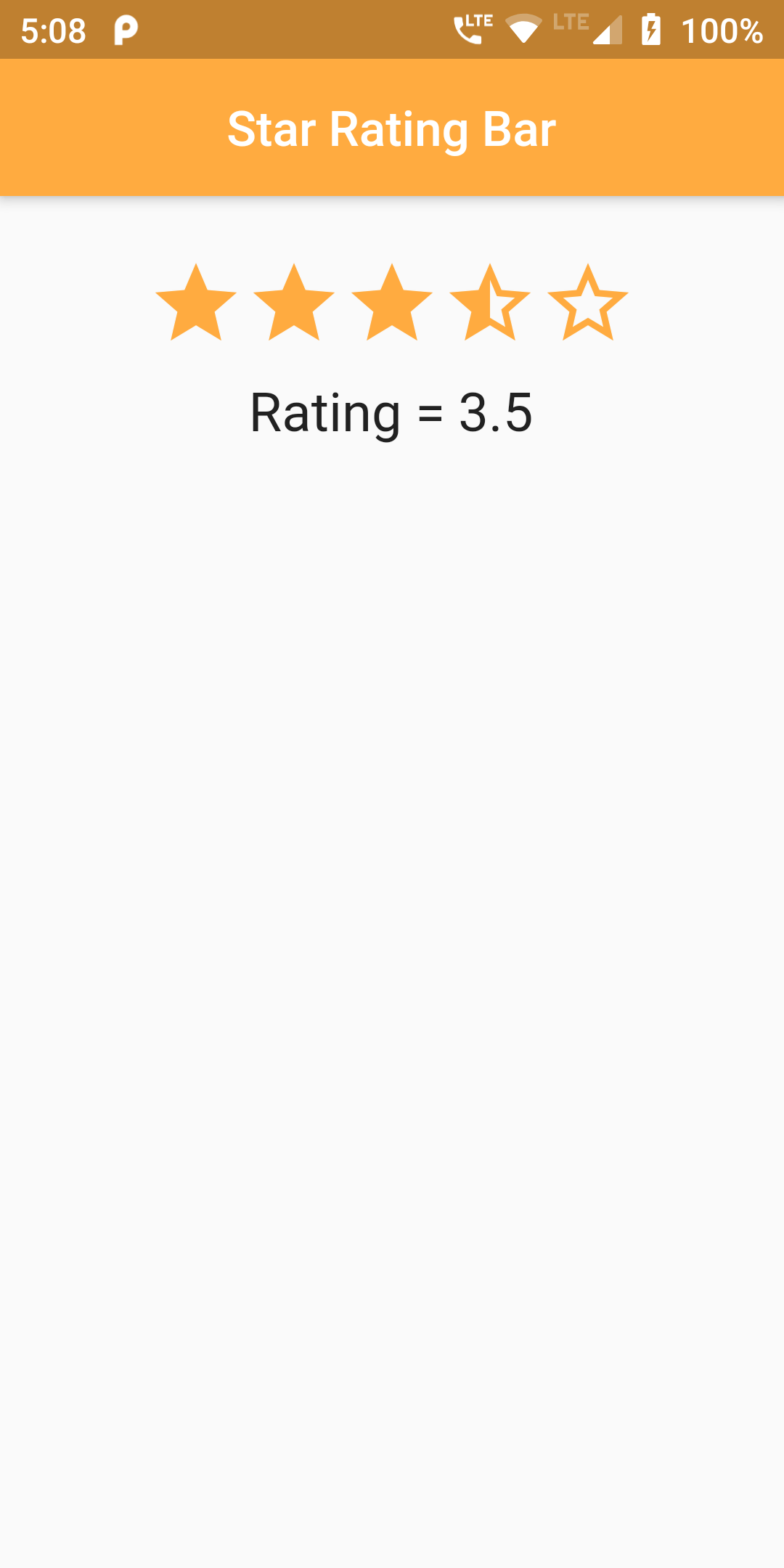
Step 1
We cannot directly remove the time stamp from 5 Star Rating Bar but using the intl.dart package we can easily filter the date stamp from time stamp. So open your flutter project’s pubspec.yaml in code .
dependencies:
  flutter:
    sdk: flutter
  http: ^0.12.0
  smooth_star_rating: 1.0.3
flutter pub get
import 'package:smooth_star_rating/smooth_star_rating.dart';
class RatingBar extends StatefulWidget {

  RatingBarWidget createState() => RatingBarWidget();

}

class RatingBarWidget extends State {

  double rating = 3.5;
  @override
  Widget build(BuildContext context) {
    return Scaffold(
        body: SingleChildScrollView(
            child: Center(
              child: Column(
                children: <Widget>[

                  Padding(
                      padding: const EdgeInsets.all(12.0),
                     ),
                  SmoothStarRating(
                    allowHalfRating: false,
                    onRatingChanged: (value) {
                      setState(() {
                        rating = value ;
                      });
                    },
                    starCount: 5,
                    rating: rating,
                    size: 40.0,
                    color: Colors.orangeAccent,
                    borderColor: Colors.orangeAccent,
                    spacing:0.0,
                  ),

                  Padding(
                      padding: const EdgeInsets.all(12.0),
                      child: Text('Rating = '+'$rating',
                          style: TextStyle(fontSize: 22))),

                ],
              ),
            )));
  }
}
import 'package:flutter/material.dart';
import 'package:smooth_star_rating/smooth_star_rating.dart';

void main() => runApp(MyApp());

class MyApp extends StatelessWidget {
  @override
  Widget build(BuildContext context) {
    return MaterialApp(
      debugShowCheckedModeBanner: false,
        home: Scaffold(
            appBar: AppBar(
              centerTitle: true,
                backgroundColor: Colors.orangeAccent,
                title: Text('Star Rating Bar'),
            ),
            body: Center(
                child: RatingBar()
            )
        )
    );
  }
}

class RatingBar extends StatefulWidget {

  RatingBarWidget createState() => RatingBarWidget();

}

class RatingBarWidget extends State {

  double rating = 3.5;
  @override
  Widget build(BuildContext context) {
    return Scaffold(
        body: SingleChildScrollView(
            child: Center(
              child: Column(
                children: <Widget>[

                  Padding(
                      padding: const EdgeInsets.all(12.0),
                     ),
                  SmoothStarRating(
                    allowHalfRating: false,
                    onRatingChanged: (value) {
                      setState(() {
                        rating = value ;
                      });
                    },
                    starCount: 5,
                    rating: rating,
                    size: 40.0,
                    color: Colors.orangeAccent,
                    borderColor: Colors.orangeAccent,
                    spacing:0.0,
                  ),

                  Padding(
                      padding: const EdgeInsets.all(12.0),
                      child: Text('Rating = '+'$rating',
                          style: TextStyle(fontSize: 22))),

                ],
              ),
            )));
  }
}