
 Posted By
Bajarangi soft ,
Posted On 23-09-2020
Posted By
Bajarangi soft ,
Posted On 23-09-2020
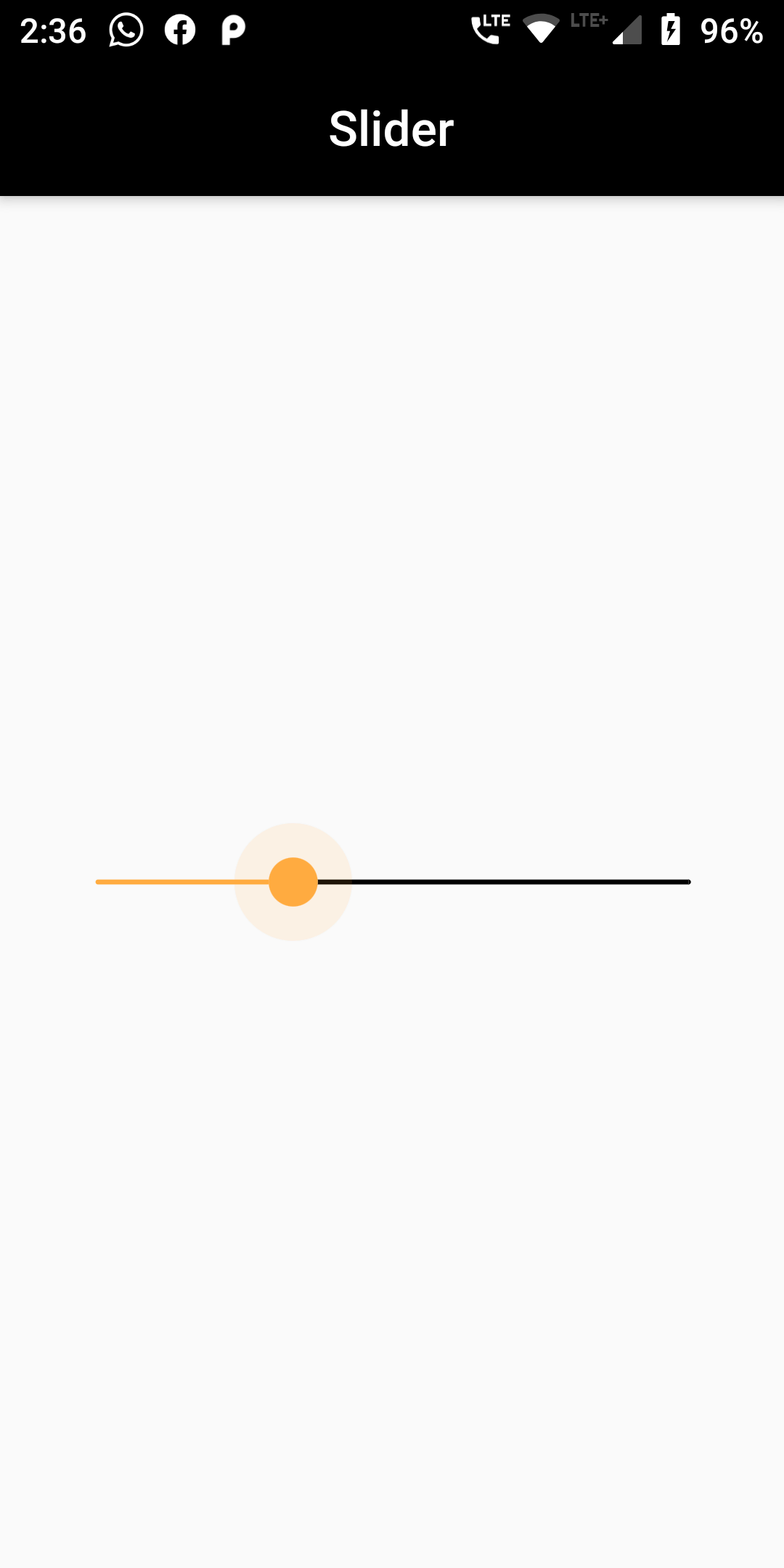
A Slider widget is usually used to change a value. So, we need to store the value in a variable. The Slider class requires you to implement onChanged function which will be called every time the user changes the slider position.
Complete Code for Slider input widget:
The value is stored as integer, which means it must be casted to double first when passed as value argument and rounded to integer inside onChanged. The active portion is colored orange, while the inactive portion is colored black.
Main.dart
import 'package:flutter/material.dart';

void main() => runApp(MyApp());

class MyApp extends StatelessWidget {
  // This widget is the root of your application.
  @override
  Widget build(BuildContext context) {
    return MaterialApp(
      debugShowCheckedModeBanner: false,
      title: 'App Design',
      home: MyHomePage(),
    );
  }
}

class MyHomePage extends StatefulWidget {
  MyHomePage({Key key, this.title}) : super(key: key);

  final String title;

  @override
  _MyHomePageState createState() => _MyHomePageState();
}

class _MyHomePageState extends State<MyHomePage> {
  int _value = 6;


  @override
  Widget build(BuildContext context) {
    return Scaffold(
      appBar: AppBar(
        centerTitle: true,
        title: Text('Slider'),
        backgroundColor: Colors.black,
      ),
      body:  Padding(
        padding: EdgeInsets.all(15.0),
        child: Center(
            child: Row(
                mainAxisAlignment: MainAxisAlignment.spaceEvenly,
                mainAxisSize: MainAxisSize.max,
                children: [
                  new Expanded(
                      child: Slider(
                          value: _value.toDouble(),
                          min: 1.0,
                          max: 10.0,
                          activeColor: Colors.orangeAccent,
                          inactiveColor: Colors.black,
                          label: 'Value',
                          onChanged: (double newValue) {
                            setState(() {
                              _value = newValue.round();
                            });
                          },
                          semanticFormatterCallback: (double newValue) {
                            return '${newValue.round()} dollars';
                          }
                      )
                  ),
                ]
            )
        ),
      )
    );
  }
}