
 Posted By
Bajarangi soft ,
Posted On 27-11-2020
Posted By
Bajarangi soft ,
Posted On 27-11-2020
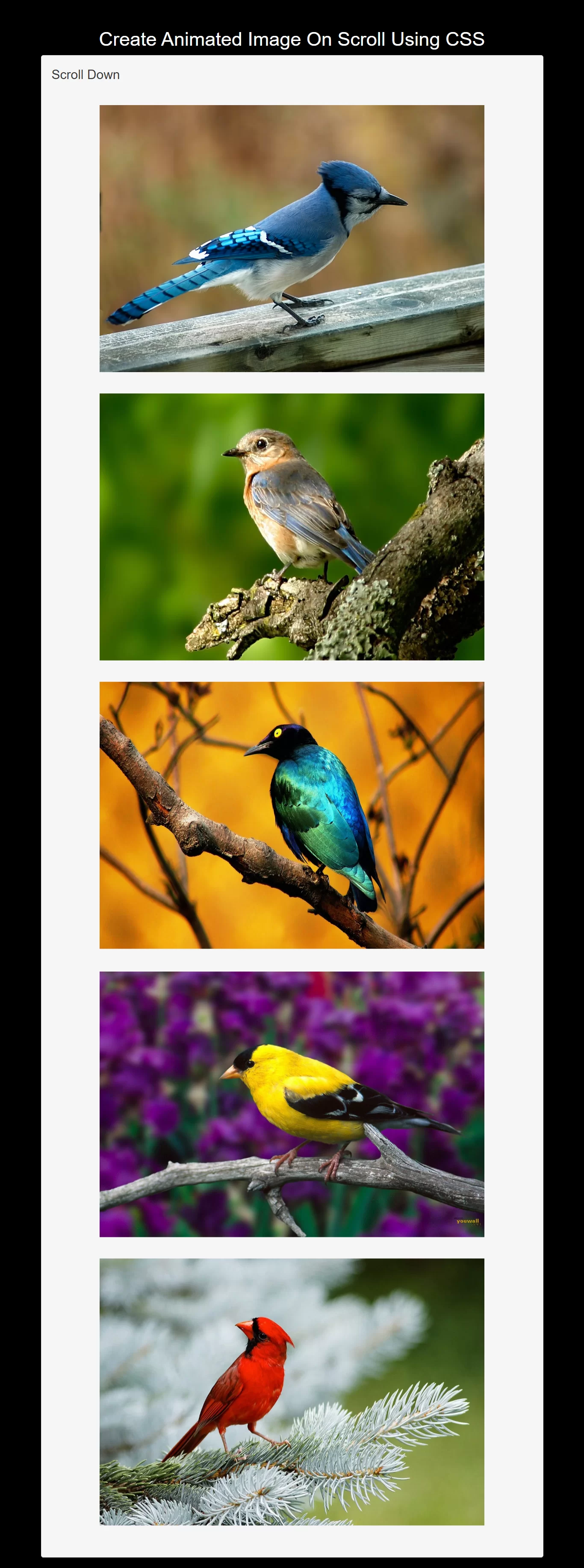
Step 1:create index.html file and implement below code in it.
<p>Scroll Down</p>
<img src="https://cdn.hipwallpaper.com/i/68/68/TBk5tu.jpg" alt="bird">
<img src="https://cdn.hipwallpaper.com/i/6/72/l67GdU.jpg" alt="bird">
<img src="https://cdn.hipwallpaper.com/i/25/21/zRBM6Z.jpg" alt="bird">
<img src="https://cdn.hipwallpaper.com/i/3/5/HlW0G9.jpg" alt="bird">
<img  src="https://cdn.hipwallpaper.com/i/16/37/TFogGm.jpg" alt="bird">
<style>
    * {
        box-sizing: border-box;
    }

    body {
        background-color: black;
        display: flex;
        justify-content: center;
        align-items: center;
        font: 24px/1.4 "RobotoDraft", sans-serif;
    }

    img {
        height: 500px;
        width: 80%;
        background: #666;
        display: block;
        margin: 40px auto;
        opacity: 0;
        transform: rotateY(50deg) rotateZ(5deg);
    }
    img.animate {

        opacity: 1;
        transform: rotateY(0deg) rotateZ(0deg);
        transition: all .5s ease-in;
    }

</style>
<script>
    $(document).ready(function(){
        $(this).scroll(function(){
            var $height = $(window).height();// get height of window
            var $winPos = $(document).scrollTop() + $height - 50;// get position of scroll bar then add the window height ,
            // creating position 50 px above the bottom of the screen.
            $('img').each(function(){ // do this for each image
                var $pos = $(this).offset().top; //get the position for image
                if ($winPos > $pos){ // if the image is above the winPos do this
                    $(this).addClass('animate');
                }
                else {// remove else if you want animation to happen once.
                    $(this).removeClass('animate');
                }
            });
        });
    });
</script>
<!DOCTYPE html>
<html>
<head>
    <title>How Can I Create Animated Image On Scroll Using CSS</title>
    <meta name="viewport" content="width=device-width, initial-scale=1.0">
    <link rel="stylesheet" href="https://maxcdn.bootstrapcdn.com/bootstrap/3.3.6/css/bootstrap.min.css"/>
    <script src="https://cdnjs.cloudflare.com/ajax/libs/jquery/3.4.1/jquery.min.js"></script>

</head>
<style>
    * {
        box-sizing: border-box;
    }

    body {
        background-color: black;
        display: flex;
        justify-content: center;
        align-items: center;
        font: 24px/1.4 "RobotoDraft", sans-serif;
    }

    img {
        height: 500px;
        width: 80%;
        background: #666;
        display: block;
        margin: 40px auto;
        opacity: 0;
        transform: rotateY(50deg) rotateZ(5deg);
    }
    img.animate {

        opacity: 1;
        transform: rotateY(0deg) rotateZ(0deg);
        transition: all .5s ease-in;
    }

</style>
<body>
<br/><br/>
<div class="container">
    <br>
    <div class="text-center">
        <h1 id="color" style="color: white;">Create Animated Image On Scroll Using CSS</h1>
    </div>
    <div class="well">
        <p>Scroll Down</p>
        <img src="https://cdn.hipwallpaper.com/i/68/68/TBk5tu.jpg" alt="bird">
        <img src="https://cdn.hipwallpaper.com/i/6/72/l67GdU.jpg" alt="bird">
        <img src="https://cdn.hipwallpaper.com/i/25/21/zRBM6Z.jpg" alt="bird">
        <img src="https://cdn.hipwallpaper.com/i/3/5/HlW0G9.jpg" alt="bird">
        <img  src="https://cdn.hipwallpaper.com/i/16/37/TFogGm.jpg" alt="bird">
    </div>
</div>
</body>
<script>
    $(document).ready(function(){
        $(this).scroll(function(){
            var $height = $(window).height();// get height of window
            var $winPos = $(document).scrollTop() + $height - 50;// get position of scroll bar then add the window height ,
            // creating position 50 px above the bottom of the screen.
            $('img').each(function(){ // do this for each image
                var $pos = $(this).offset().top; //get the position for image
                if ($winPos > $pos){ // if the image is above the winPos do this
                    $(this).addClass('animate');
                }
                else {// remove else if you want animation to happen once.
                    $(this).removeClass('animate');
                }
            });
        });
    });
</script>
</html>