
 Posted By
Bajarangi soft ,
Posted On 16-10-2020
Posted By
Bajarangi soft ,
Posted On 16-10-2020
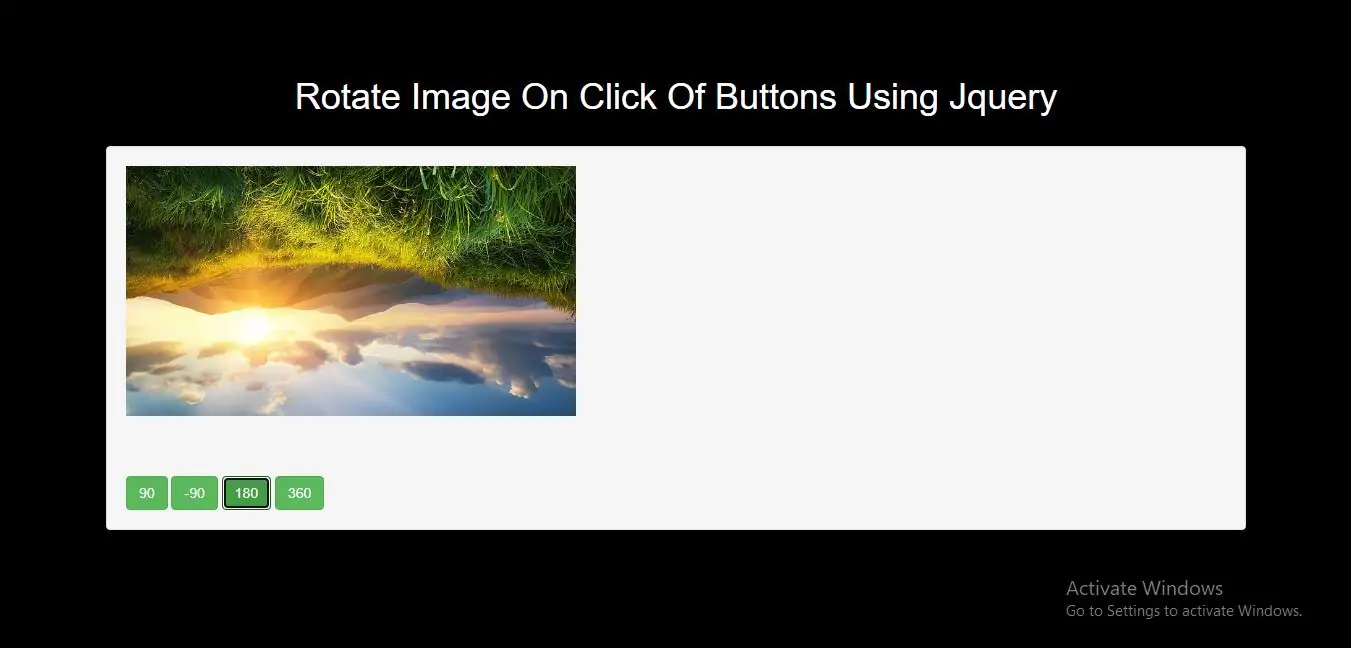
Step 1:Create index.html file and implement below code.
<div class="w3-center"><img src="../image/demo6.jpg" id="rotate-image" height="250px" width="450px" /></div>
<br><br><br>
<div class="w3-center">
    <input type="button" class="btn btn-success" value="90" onClick="rotateImage(this.value);" />
    <input type="button" class="btn btn-success" value="-90" onClick="rotateImage(this.value);" />
    <input type="button" class="btn btn-success" value="180" onClick="rotateImage(this.value);" />
    <input type="button" class="btn btn-success" value="360" onClick="rotateImage(this.value);" />
</div>
<script>
    function rotateImage(degree) {
        $('#rotate-image').animate({
            transform: degree
        }, {
            step: function(now, fx) {
                $(this).css({
                    '-webkit-transform': 'rotate(' + now + 'deg)',
                    '-moz-transform': 'rotate(' + now + 'deg)',
                    'transform': 'rotate(' + now + 'deg)'
                });
            }
        });
    }
</script>
<!DOCTYPE html>
<html>
<head>
    <title>How Can I Rotate Image On Click Of Buttons Using Jquery</title>
    <meta charset="utf-8">
    <meta name="viewport" content="width=device-width, initial-scale=1">
    <link rel="stylesheet" href="https://maxcdn.bootstrapcdn.com/bootstrap/3.4.1/css/bootstrap.min.css">
    <script src="https://ajax.googleapis.com/ajax/libs/jquery/3.5.1/jquery.min.js"></script>
</head>
<style>
    body {
        background: black;
    }
</style>
<body>
<div class="container">
    <br><br><br>
    <div class="text-center">
        <h1 id="color" style="color: White;">Rotate Image On Click Of Buttons Using Jquery</h1>
    </div>
    <br>
    <div class="well">
        <div class="w3-center"><img src="../image/demo6.jpg" id="rotate-image" height="250px" width="450px" /></div>
        <br><br><br>
        <div class="w3-center">
            <input type="button" class="btn btn-success" value="90" onClick="rotateImage(this.value);" />
            <input type="button" class="btn btn-success" value="-90" onClick="rotateImage(this.value);" />
            <input type="button" class="btn btn-success" value="180" onClick="rotateImage(this.value);" />
            <input type="button" class="btn btn-success" value="360" onClick="rotateImage(this.value);" />
        </div>
    </div>
</div>
</body>
</html>
<script>
    function rotateImage(degree) {
        $('#rotate-image').animate({
            transform: degree
        }, {
            step: function(now, fx) {
                $(this).css({
                    '-webkit-transform': 'rotate(' + now + 'deg)',
                    '-moz-transform': 'rotate(' + now + 'deg)',
                    'transform': 'rotate(' + now + 'deg)'
                });
            }
        });
    }
</script>