
 Posted By
Bajarangi soft ,
Posted On 08-10-2020
Posted By
Bajarangi soft ,
Posted On 08-10-2020
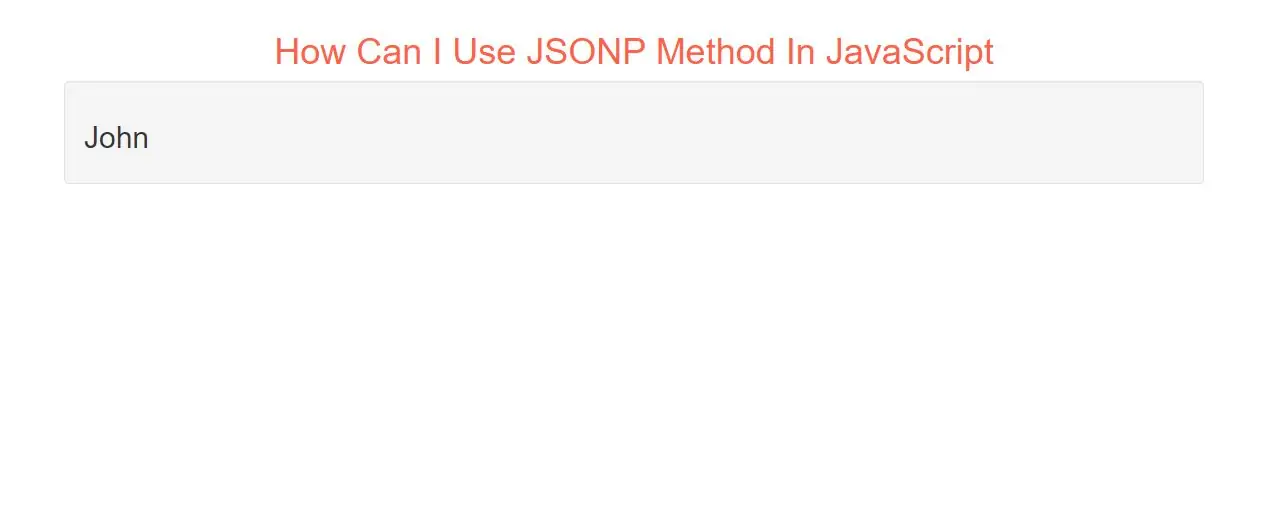
JSONP does not use the XMLHttpRequest object.
JSONP uses the <script> tag instead.
JSONP Intro
JSONP stands for JSON with Padding.
Requesting a file from another domain can cause problems, due to cross-domain policy.
Requesting an external script from another domain does not have this problem.
JSONP uses this advantage, and request files using the script tag instead of the XMLHttpRequest object.
<script src="json_demo_db.php"></script>
The Server File
The file on the server wraps the result inside a function call:
Let's Learn
Step 1:
Create Index.php file and implement code as below
<h2 id="demo"></h2>
Step 2:
Create json_demo.php file and implement code as below.
<?php
$myJSON = '{ "name":"John", "age":30, "city":"New York" }';

echo "myFunc(".$myJSON.");";
?>
Step 3:
Now we implement java script to get data from database from php file.
<script>
    function myFunc(myObj) {
        document.getElementById("demo").innerHTML = myObj.name;
    }
</script>

<script src="json_demo.php"></script>
Complete Code For JSONP Method In JavaScript
<!DOCTYPE html>
<html>
<head>
    <title>How Can I Use JSONP Method In JavaScript With Examples</title>
    <meta charset="utf-8">
    <meta name="viewport" content="width=device-width, initial-scale=1">
    <link rel="stylesheet" href="https://maxcdn.bootstrapcdn.com/bootstrap/3.4.1/css/bootstrap.min.css">
</head>

<body>
<div class="container">
    <br>
    <div class="text-center">
        <h1 id="color" style="color: tomato">How Can I Use JSONP Method In JavaScript </h1>
    </div>
    <div class="well">
        <h2 id="demo"></h2>
    </div>

    <script>
        function myFunc(myObj) {
            document.getElementById("demo").innerHTML = myObj.name;
        }
    </script>

    <script src="json_demo.php"></script>
</div>
</body>
</html>