
 Posted By
Bajarangi soft ,
Posted On 27-11-2020
Posted By
Bajarangi soft ,
Posted On 27-11-2020
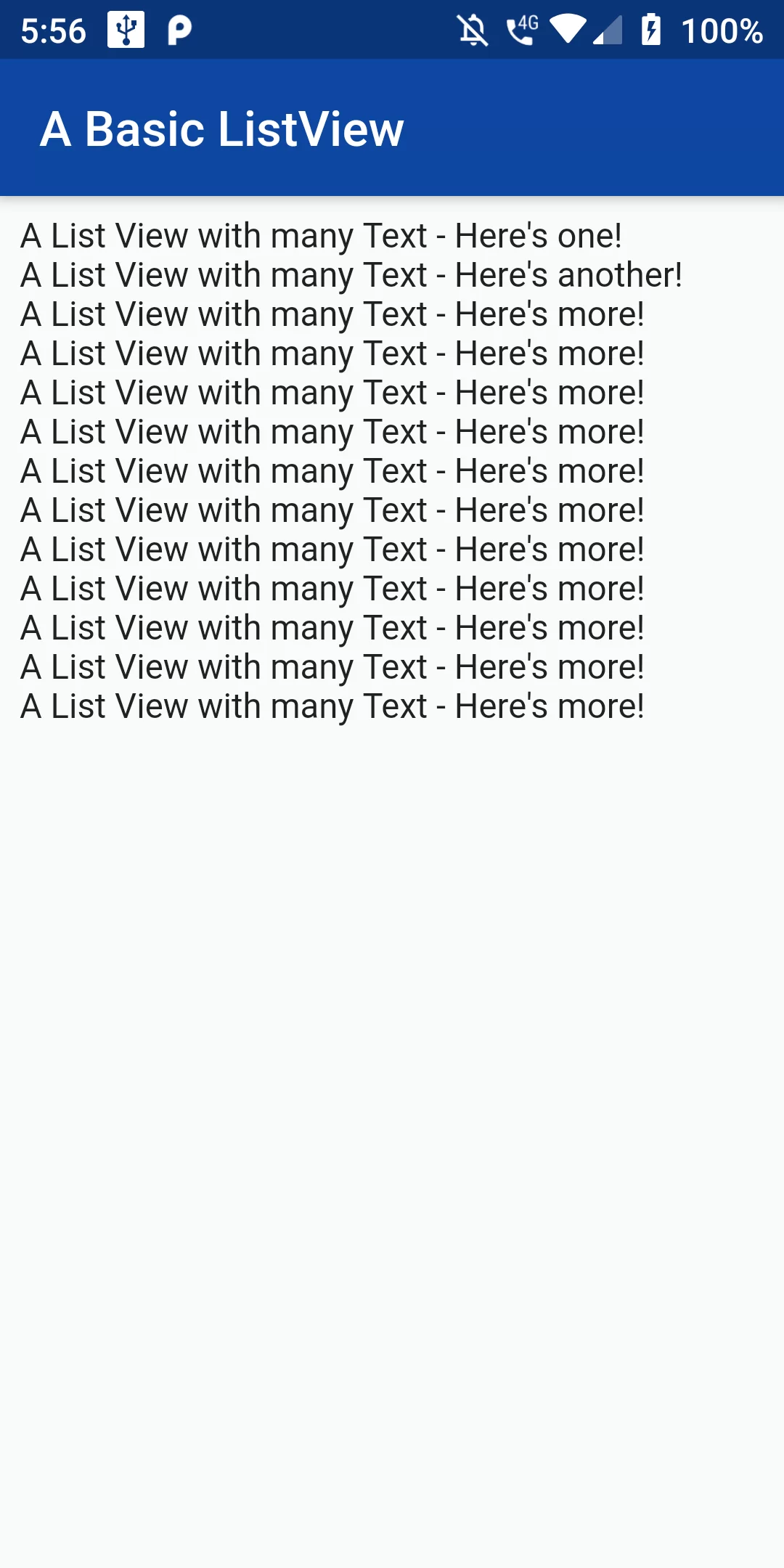
Basic Listview
Complete Code For Basic Listview In Flutter
main.dart
import 'dart:async';
import 'package:flutter/material.dart';

void main() => runApp(new MyApp());

class MyApp extends StatelessWidget {
  @override
  Widget build(BuildContext context) {
    return MaterialApp(
      debugShowCheckedModeBanner: false,
      home: MyHomePage(),
    );
  }
}
class MyHomePage extends StatefulWidget {
  final String title;
  MyHomePage({this.title});
  @override
  _MyHomePageState createState() => _MyHomePageState();
}
class _MyHomePageState extends State<MyHomePage> {
  Widget build(BuildContext context) {
    return Scaffold(
      appBar: AppBar(
        backgroundColor: Colors.blue[900],
        title: Text('A Basic ListView'),
      ),
      body: ListView(
        padding: EdgeInsets.all(8.0),
        //Add any type of `Widget` to the ListView
        children: <Widget>[
          Text("A List View with many Text - Here's one!"),
          Text("A List View with many Text - Here's another!"),
          Text("A List View with many Text - Here's more!"),
          Text("A List View with many Text - Here's more!"),
          Text("A List View with many Text - Here's more!"),
          Text("A List View with many Text - Here's more!"),
          Text("A List View with many Text - Here's more!"),
          Text("A List View with many Text - Here's more!"),
          Text("A List View with many Text - Here's more!"),
        ],
      ),
    );
  }
}