
 Posted By
Bajarangi soft ,
Posted On 08-10-2020
Posted By
Bajarangi soft ,
Posted On 08-10-2020
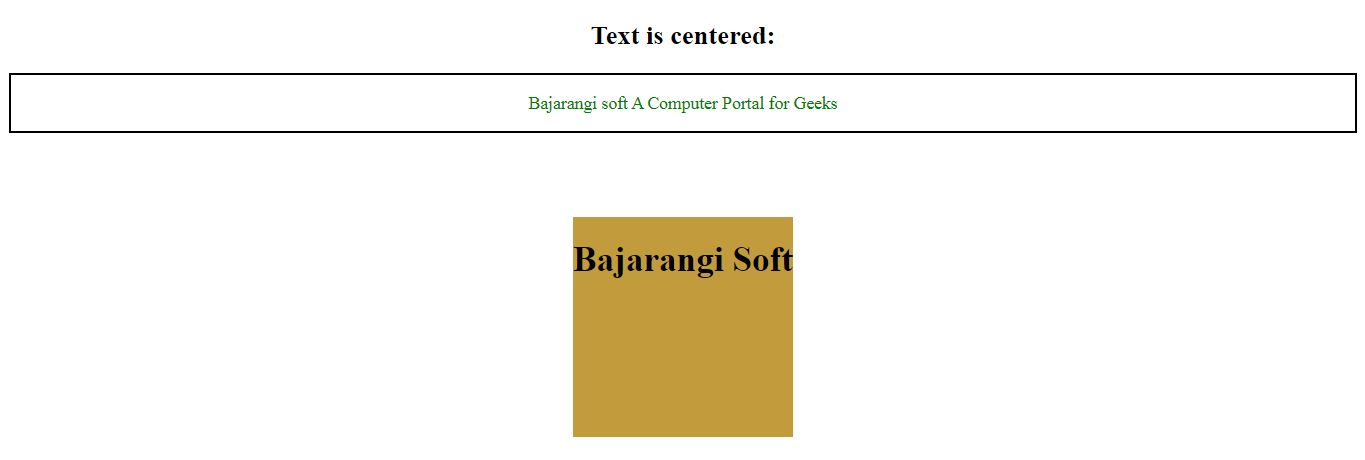
Example 1:
This example set the position of elements exactly at the center of the screen.
<!DOCTYPE html>
<html>

<head>
    <title>
        Make float to center to element
    </title>

    <!-- Style to set element float
        to center -->
    <style>
        .Center {
            width:200px;
            height:200px;
            position: fixed;
            background-color: #c19b3c;
            top: 50%;
            left: 50%;
            margin-top: -100px;
            margin-left: -100px;
        }
    </style>
</head>

<body>
<div class="Center">
    <h1>Bajarangi Soft </h1></div>
</body>

</html>
<!DOCTYPE html>
<html>

<head>

    <!-- Style to set text-element
        to center -->
    <style>
        .center {
            text-align-last: center;
            border: 2px solid black;
        }
    </style>
</head>

<body>
<h2 style = "text-align:center">
    Text is centered:
</h2>

<div class="center">
    <p>
        <font color="green">
           Bajarangi soft A Computer
       Portal for Geeks
        </font>
    </p>
</div>
</body>

</html>