
 Posted By
Bajarangi soft ,
Posted On 09-10-2020
Posted By
Bajarangi soft ,
Posted On 09-10-2020
Position attribute can take multiple values which are listed below:
<!DOCTYPE html>
<html>
<head>
    <title>Position a div at bottom</title>
    <style>
        .main_div {
            text-align:center;
            position: relative;
            left: 100px;
            height: 200px;
            width: 500px;
            background-color: #d02a25;
        }
        .sub_div {
            position: absolute;
            bottom: 0px;
        }
        p {
            margin-left:110px;
        }
    </style>
</head>
<body>
<div class="main_div">
    <h1>Bajarangi Soft</h1>
    <div class="sub_div">
        <p>A computer  portal </p>
    </div>
</div>
</body>
</html>
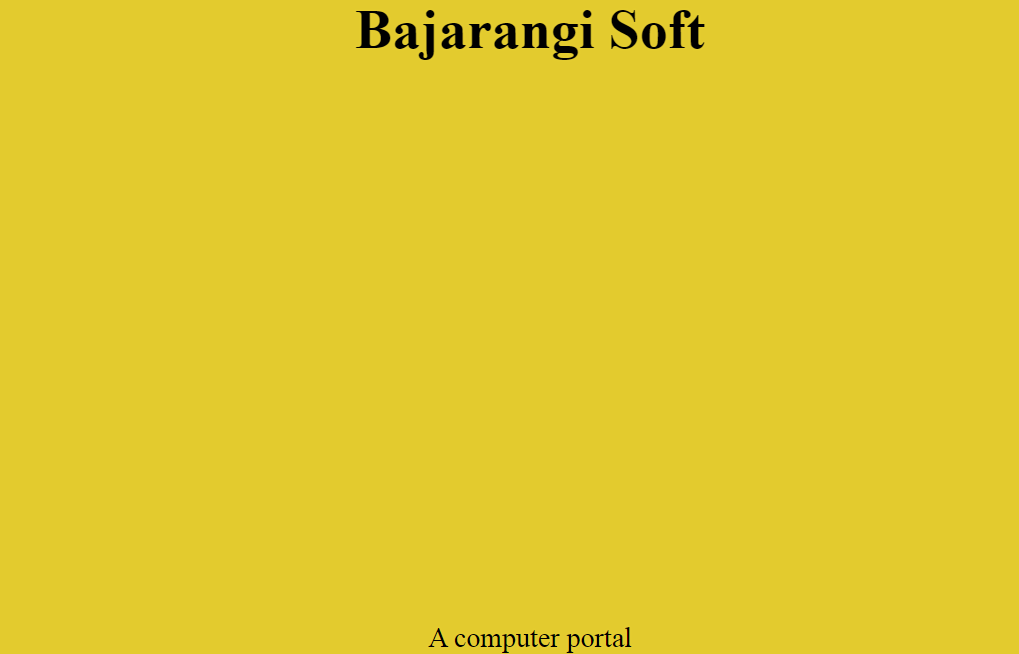
<!DOCTYPE html>
<html>
<head>
    <style>
        html, body {
            height: 100%;
            background-color: #e3cb2e;
        }
        .main_div {
            height: 100%;
            width:100%;
            border-collapse: collapse;
        }
        h1, p {
            text-align:center;
        }
        * {
            padding: 0;
            margin: 0;
        }
    </style>
</head>
<body>
<table class="main_div">
    <tr>
        <td valign="top"><h1>Bajarangi Soft</h1></td>
    </tr>
    <tr>
        <td valign="bottom"><p>A computer
            portal </p></td>
    </tr>
</table>
</body>
</html>