
 Posted By
Bajarangi soft ,
Posted On 30-10-2020
Posted By
Bajarangi soft ,
Posted On 30-10-2020
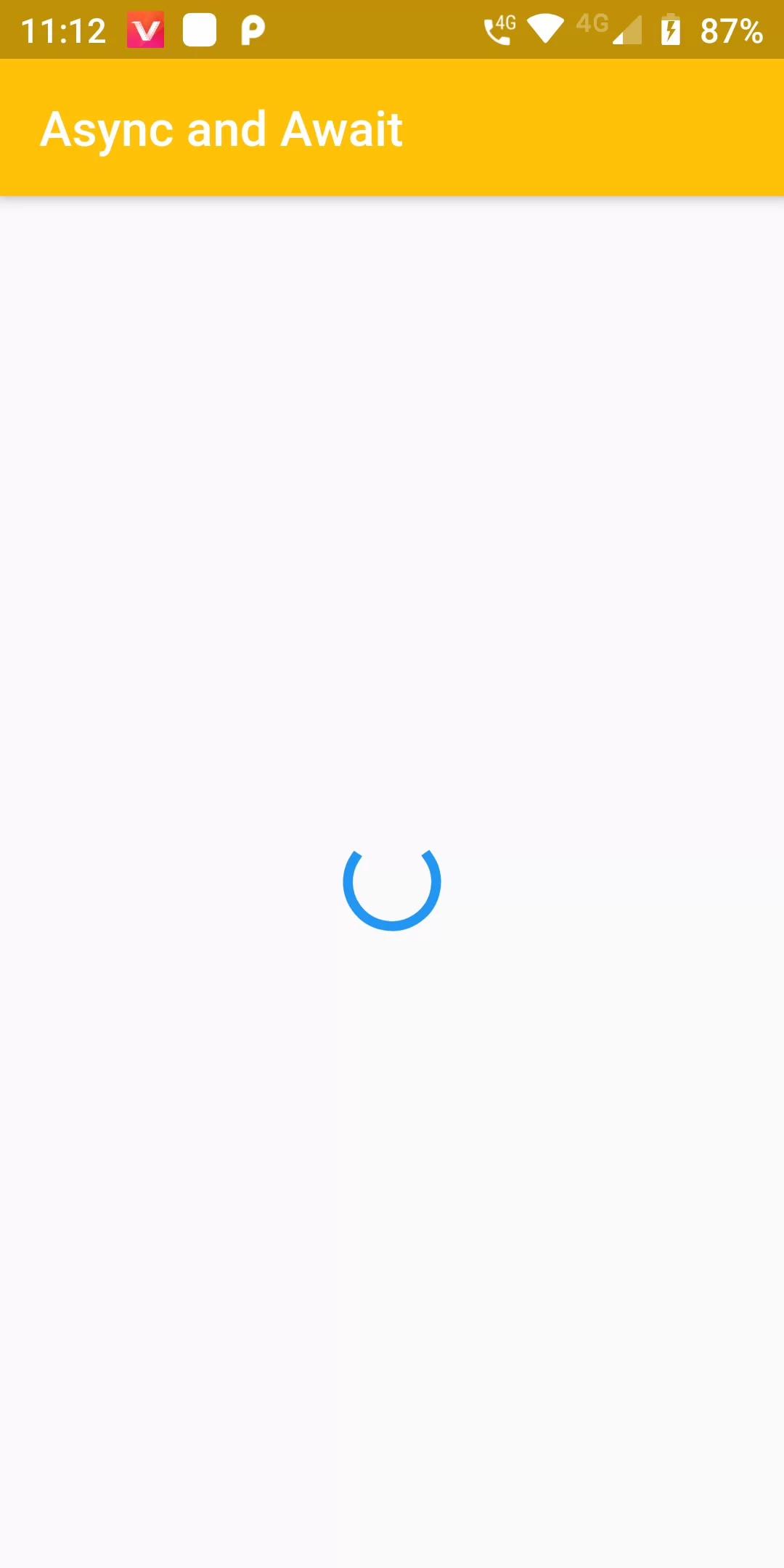
Let's see in following code snippet how async and await keywords are used. await can only be called in function which is marked/declared as async. Future keyword before the function makeDataCall() means that this function will be executing asynchronously and will be suspended when come across await.
Async And Await
Complete Code For Async And Await In Flutter
main.dart
import 'package:flutter/material.dart';

void main() => runApp(new MyApp());

class MyApp extends StatelessWidget {
  @override
  Widget build(BuildContext context) {
    return new MaterialApp(
      debugShowCheckedModeBanner: false,
      title: 'After Layout',
      home: new AsyncAwait(),
    );
  }
}

class AsyncAwait extends StatefulWidget {
  @override
  _AsyncAwaitState createState() => _AsyncAwaitState();
}

class _AsyncAwaitState extends State<AsyncAwait> {
  bool _isLoading = false;

  void _asyncAction() async {
    setState(() => _isLoading = true);

    await Future.delayed(Duration(seconds: 5));

    setState(() => _isLoading = false);
  }

  @override
  Widget build(BuildContext context) {
    return Scaffold(
      appBar: AppBar(
        backgroundColor: Colors.amber,
          title: Text("Async and Await"
          )),
      body: Center(
        child: _isLoading
            ? CircularProgressIndicator()
            : RaisedButton(
          child: Text("Start Asyncronous action",style: TextStyle(color: Colors.white),),
          color: Colors.amber,
          onPressed: _asyncAction,
        ),
      ),
    );
  }
}