
 Posted By
Bajarangi soft ,
Posted On 12-10-2020
Posted By
Bajarangi soft ,
Posted On 12-10-2020
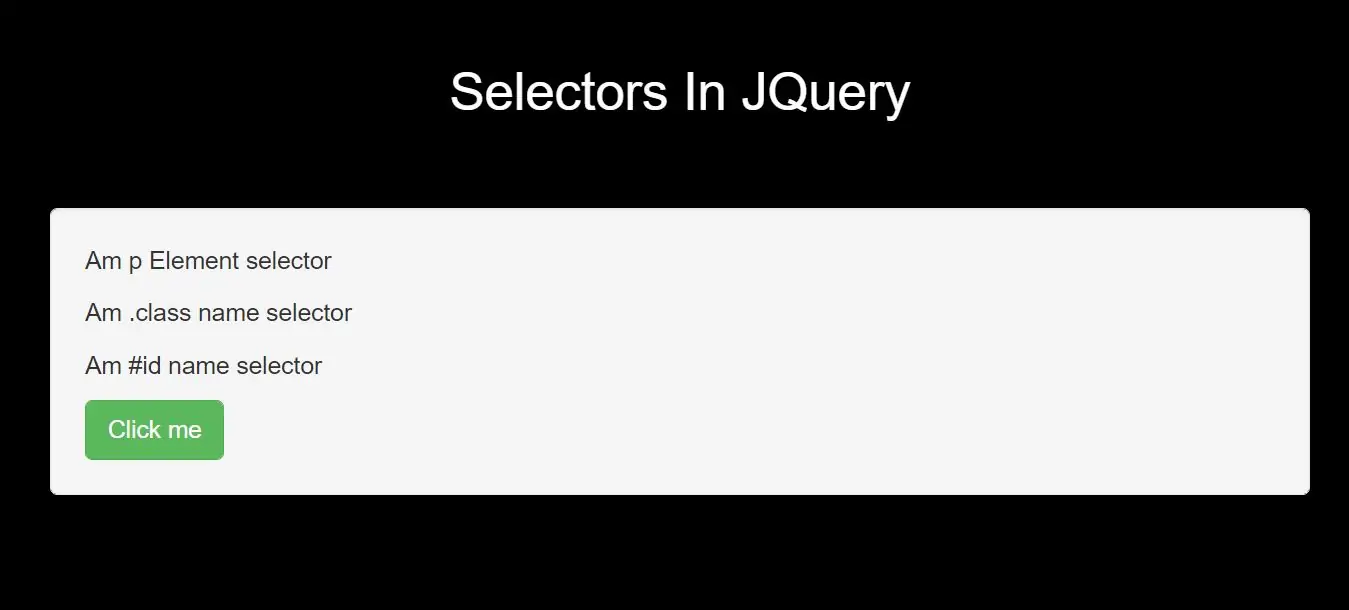
1) Element Selector:
jQuery element selector selects elements based on the element name.
Example(1)
<script>
    $(document).ready(function(){
        $("button").click(function(){
            $("p").hide();
        });
    });
</script>
2) #id Selector:
jQuery #id selector uses the id attribute of an HTML tag to find the specific element and an id should be unique within a page, so you should use the #id selector when you want to find a single, unique element.
Example(2)
<script>
    $(document).ready(function(){
        $("button").click(function(){
            $("#test").hide();
        });
    });
</script>
.class selector finds elements with a specific class.Example(3)
<script>
    $(document).ready(function(){
        $("button").click(function(){
            $(".test").hide();
        });
    });
</script>
More Examples of jQuery Selectors
| Syntax | Description |
|---|---|
|
$("*") |
Selects all elements |
|
$(this) |
Selects the current HTML element |
|
$("p.intro") |
Selects all <p> elements with class="intro" |
|
$("p:first") |
Selects the first <p> element |
|
$("ul li:first") |
Selects the first <li> element of the first <ul> |
|
$("ul li:first-child") |
Selects the first <li> element of every <ul> |
|
$("[href]") |
Selects all elements with an href attribute |
|
$("a[target='_blank']") |
Selects all <a> elements with a target attribute value equal to "_blank" |
|
$("a[target!='_blank']") |
Selects all <a> elements with a target attribute value NOT equal to "_blank" |
|
$(":button") |
Selects all <button> elements and <input> elements of type="button" |
|
$("tr:even") |
Selects all even <tr> elements |
|
$("tr:odd") |
Selects all odd <tr> elements |
Complete Code For Selectors In JQuery
<!DOCTYPE html>
<html>
<head>
    <title>What Is The Use Of Selectors In JQuery With Example</title>
    <meta charset="utf-8">
    <meta name="viewport" content="width=device-width, initial-scale=1">
    <link rel="stylesheet" href="https://maxcdn.bootstrapcdn.com/bootstrap/3.4.1/css/bootstrap.min.css">
    <script src="https://ajax.googleapis.com/ajax/libs/jquery/3.5.1/jquery.min.js"></script>
</head>
<style>
    body {
        background: black;
    }
</style>
<body>
<div class="container">
    <br>
    <div class="text-center">
        <h2 id="color" style="color: White"> Selectors In JQuery </h2>
    </div>
    <br>
    <br>
    <div class="well">
        <p>Am p Element selector</p>
        <p class="test">Am .class name selector </p>
        <p id="test">Am #id name selector</p>
        <button class="btn btn-success" id="click_alert">Click me</button>
    </div>
</div>
</body>
</html>
<script>
    $(document).ready(function(){
        $("button").click(function(){
            $("p").hide();
            $("#test").hide();
            $(".test").hide();
        });
    });
</script>