
 Posted By
Bajarangi soft ,
Posted On 08-10-2020
Posted By
Bajarangi soft ,
Posted On 08-10-2020
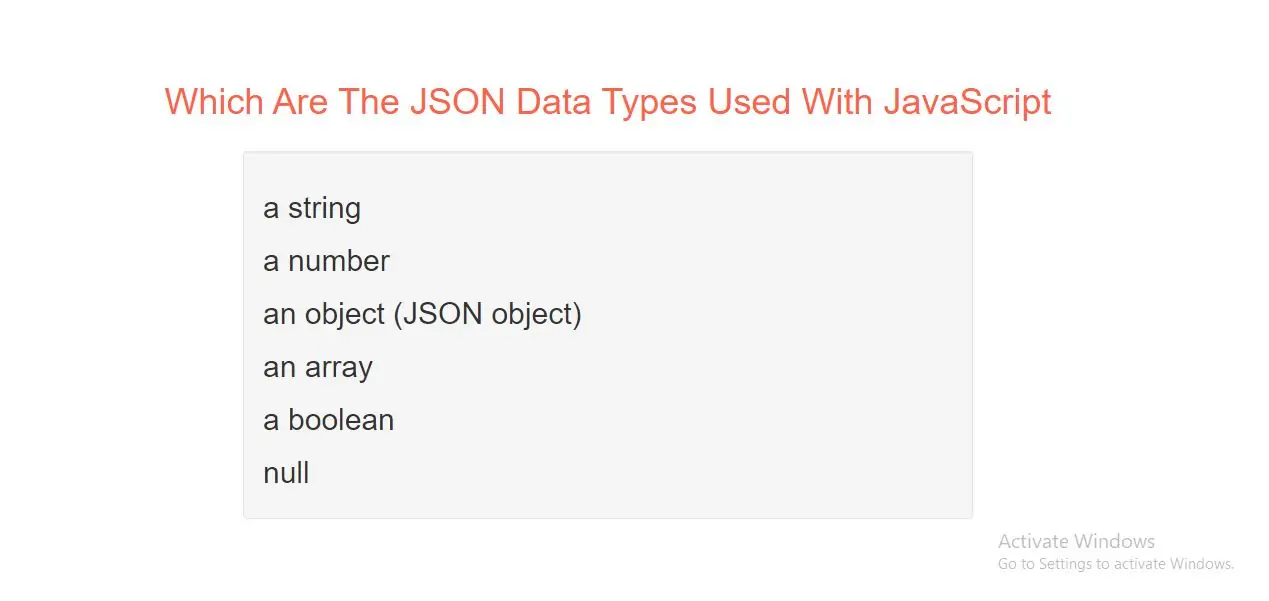
Valid Data Types
In JSON, values must be one of the following data types:
a string
a number
an object (JSON object)
an array
a boolean
null
JSON values cannot be one of the following data types:
JSON Strings
Strings in JSON must be written in double quotes.
Example(1)
{ "name":"John" }
JSON Numbers
Numbers in JSON must be an integer or a floating point.
Example(2)
{ "age":30 }
JSON Objects
Values in JSON can be objects.
Example(3)
{
"employee":{ "name":"John", "age":30, "city":"New York" }
}
JSON Arrays
Values in JSON can be arrays.
Example(4)
{
"employees":[ "John", "Anna", "Peter" ]
}
JSON Booleans
Values in JSON can be true/false.
Example(5)
{ "sale":true }
JSON null
Values in JSON can be null.
Example(6)
{ "middlename":null }
Complete Code For JSON Data Types Using JavaScript.
<!DOCTYPE html>
<html>
<head>
    <title>Which Are The JSON Data Types Used  With JavaScript</title>
    <meta charset="utf-8">
    <meta name="viewport" content="width=device-width, initial-scale=1">
    <link rel="stylesheet" href="https://maxcdn.bootstrapcdn.com/bootstrap/3.4.1/css/bootstrap.min.css">
</head>

<body>
<div class="container">
    <br>
    <div class="text-center">
        <h1 id="color" style="color: tomato">Which Are The JSON Data Types Used  With JavaScript</h1>
    </div>
    <br>
    <div class="well">
        <h2 id="demo1"></h2>
    </div>
    <script>
        var myObj, i, x = "";
        myObj = {
            "name":"John",
            "age":30,
            "cars":[ "Ford", "BMW", "Fiat" ]
        };
        myObj.cars[1] = "Mercedes";

        for (i in myObj.cars) {
            x += myObj.cars[i] + "<br>";
        }
        document.getElementById("demo1").innerHTML = x;
    </script>
</div>
</body>
</html>